How to Check Your Ncell Number: Balance & Data USSD Codes
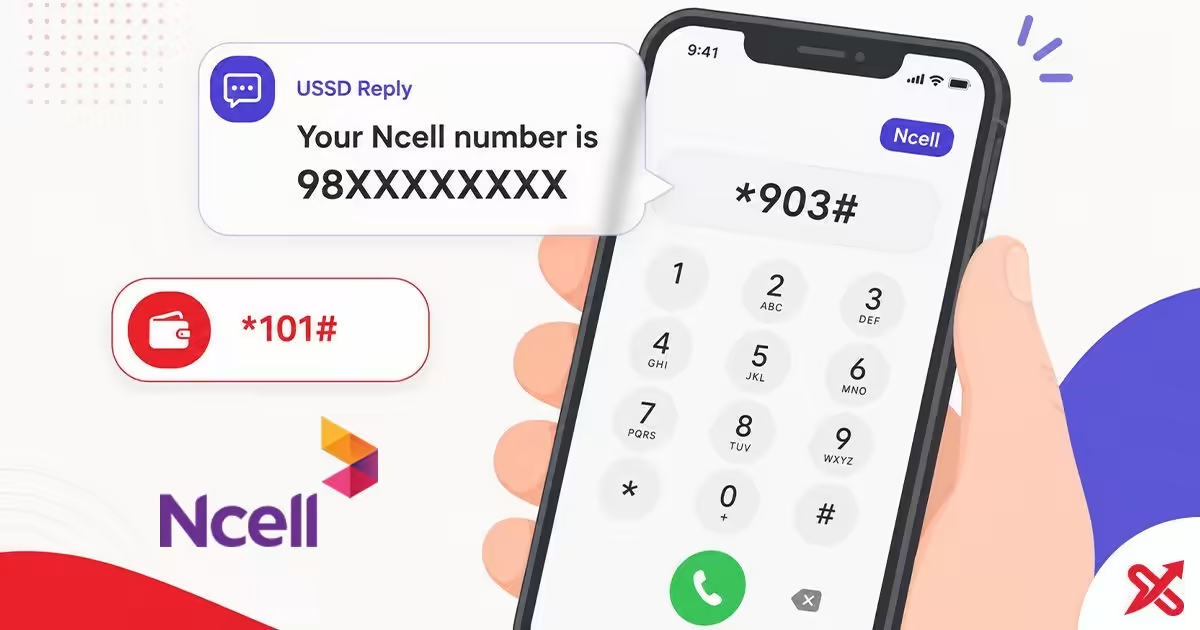
Your Ncell number is just one dial away. Dial *103# (or *903#) from your Ncell SIM and press call to see your 10-digit mobile number on screen in seconds. The check is completely free and works offline. To check your main balance, dial *901# or *101#, or send a blank SMS to 90011 for instant balance and validity details.
Your Ncell number lives inside the SIM, not in the phone memory, which is why a reset or a slot swap leaves you guessing. The codes below come from the official Ncell pages and 2026 Nepal telecom sources, and this guide covers each method, what the reply screen shows, and the fixes when a code fails. Save this page, and you can recover your number and balances in under a minute.
Every code in this guide runs over USSD, the short menu system built into every phone network. You type a code, press call, and the network replies with a text screen or menu. Ncell prepaid users dial these codes to read their own details. If you carry an NTC SIM instead, check your NTC number with the *9# code.
💡 Key Takeaways
- Dial *103# from the Ncell SIM to see your number in seconds, free and offline.
- Check main balance with *901# (or *101#) and read the follow-up text for remaining data and bonus amounts.
- Open the data menu with *17123# or send an SMS to 17123, and use the Ncell App when you prefer no codes.
USSD Code to Check Your Ncell Number
Dial *103# and press the call button to see your Ncell number. It is the code most Nepali users remember for the check. *903# does the same job; Ncell documents it as the SIM info and age query, and its reply carries your number as well, so you can use either one.
Follow these steps on your phone:
- Open your phone dialer.
- Type
*103#or*903#. - Press the call button.
- Read your number on the reply screen and save it.
The reply arrives in a few seconds and shows your 10-digit Ncell number, which usually begins with 98. Write it down, because this is the number you enter for recharges, bank apps, and Nagarik App registration.
What You See When You Dial
The reply screen differs by code. *103# returns your number in a message that reads like "Your Ncell number is 98XXXXXXXX." *901# and *101# return your main balance, your bonus balance, and your account validity in a short list. *17123# opens the data-packs menu instead of a one-line reply.
On a dual-SIM phone, the reply depends on the SIM you dial from. When you pick the wrong slot, the code runs on your other operator and the reply makes no sense, or nothing happens at all. Set the Ncell SIM as the slot you dial from, and confirm which SIM is active before you press call.
Balance replies show two numbers. Main balance pays for calls, data, and packs anywhere on the network. Bonus balance applies to Ncell-network services only, like on-net calls and SMS, and Ncell spends it before your main balance.
Check Ncell Balance with *101# or *901#
Dial *901# and press call to see your Ncell main balance. Ncell lists the code on its official customer-care page, and the reply shows your main balance, bonus balance, and validity date. *101# returns the same details and is the code most sites document, so either one works. A balance dial does not stop at the screen: a text arrives right after, listing your remaining data volume and bonus amounts, so active data packs show up in the same query.
| Method | What the reply shows |
|---|---|
USSD *901# | Main balance, bonus balance, validity |
USSD *101# | Main balance, bonus balance, validity (widely supported) |
| Follow-up text after a balance dial | Remaining data volume and bonus amounts sent to your inbox |
Blank SMS to 90011 | Balance details sent back as a text reply |
Use the dial flow when you need the numbers now:
- Open the dialer.
- Type
*901#or*101#. - Press call.
- Read the balance details on the reply screen.
Both checks are free. After a recharge, dial again to confirm the credit reached your main balance.
Check Ncell Balance by SMS and IVR
Send a blank SMS to 90011 and Ncell replies with your main balance, bonus balance, and validity. The text method helps when the dial screen is unresponsive or when you want a written copy of the numbers to check later.
- Open your messages app.
- Compose a new message with no text.
- Send it to
90011. - Open the reply from Ncell to read your balance and validity.
For a voice option, dial 9001 to open the IVR self-care menu, which reads your balance aloud. The audio menu suits anyone who prefers a spoken prompt over a text screen.
How to Check Ncell Data Balance
Dial *17123# and press call to open the Ncell data-packs menu, where you browse the available packs and pick the one you want to buy. To read your remaining data instead, send the letter S to 17123, and Ncell replies with your remaining MB or GB and when the pack expires.
| Method | What you get |
|---|---|
USSD *17123# | Data-packs menu to browse and activate packs. |
USSD *101# or *901# | Balance reply plus a follow-up text with remaining data and bonus amounts |
SMS S to 17123 | Text reply with remaining data and expiry |
| Ncell App | Data balance and expiry on the dashboard |
The query runs over USSD or SMS, so an empty data balance never stops you from checking. The number counts down as you use the pack, and the expiry date tells you when to recharge.
Check Your Ncell Number in the Ncell App
The Ncell App shows your number and your balances on the dashboard the moment it opens, with no code to remember. The official app carries the package name com.mventus.ncell.activity. Ncell explains the app and its free data on the official page.
- Install the Ncell App from the Play Store or the App Store.
- Open it and let the SIM load your details.
- Read your number on the dashboard, with your balance below it.
Ncell does not charge data for the app inside its own network, so checking your number and balance there costs nothing. The app also hosts live chat with customer care, which beats waiting on a helpline.
Why the Code Is Not Working: Fixes
A code that returns nothing usually has one of four causes, and each one has a quick fix.
The SIM slot is wrong. On a dual-SIM phone the code runs on the active SIM. Pick the slot holding the Ncell SIM before you dial, and check that the SIM is not disabled in Settings.
The code is mistyped. Type *103# with the asterisk and hash in the right places. A missing # or a swapped digit sends the code nowhere.
The signal is weak. USSD needs a network signal. Move to an area with coverage and try again.
The SIM may have expired. A SIM left unused for a long time can go out of service. Dial 9005 and ask customer care whether your number is still active.
If nothing fixes it, 9005 connects you to free customer care from your Ncell number. Pro and Biz users dial 9007, and callers on other networks reach Ncell at 9809005000. There is no legitimate way to see another person's number, so skip any service that promises one.
Ncell USSD Codes Quick Reference
Keep this table handy. The shortcodes are standard across Nepal and stay the same for prepaid Ncell users.
| Task | Code | Notes |
|---|---|---|
| Check your Ncell number | *103# or *903# | Free, reply shows your number |
| Check main balance | *901# or *101# | Free, shows main balance, bonus, validity, and a follow-up text with remaining data and bonus |
| Balance by SMS | blank SMS to 90011 | Text reply with balance details |
| Data balance | SMS S to 17123, or the balance follow-up text | Text reply with remaining MB/GB and expiry |
| IVR self-care | 9001 | Voice menu reads your balance |
| Customer care | 9005 | Free from Ncell; 9007 for Pro/Biz; 9809005000 from other networks |
Save this page to your phone bookmarks before you need it. When a recharge does not land, dial *901# again and compare the balance before and after. To move money from your balance to another Ncell user, transfer your balance in Ncell.
None of the checks cost a rupee. Keep the Ncell SIM active on your phone, so a slot swap or reset never hides your number. To verify the registered owner of an Ncell SIM, use the Ncell SIM owner name check.
Frequently Asked Questions
How do I check my Ncell number?
Dial *103# from the Ncell SIM, press call, and your number appears on the reply screen within seconds. *903# works too, and both codes are free.
What code checks Ncell balance?
Dial *901# and press call, or use *101#, which is widely supported too. You can also send a blank SMS to 90011 and Ncell replies with your main balance, bonus balance, and validity.
Can I check my Ncell number without the SIM card?
No. USSD codes run on the SIM, so you need the Ncell SIM inside a phone to see your own number. The Ncell App can show it after you log in on that SIM.
Is checking Ncell balance free?
Yes. Dialing *901#, *101#, or *903# does not charge you, and the balance-inquiry SMS to 90011 is free as well.
How do I check my remaining Ncell data?
Dial *101# or *901# and read the follow-up text, which lists your remaining data and bonus amounts, or send the letter S to 17123 and read the reply. The Ncell App shows remaining MB/GB and expiry on its dashboard.
Why is my Ncell code not working?
Check that you are dialing from the Ncell SIM, pick the right slot on a dual-SIM phone, type *103# exactly, and confirm you have signal. If it still fails, dial 9005 for customer care.
What does *901# do?
*901#, like *101#, displays your Ncell main balance, bonus balance, and account validity on screen.
Can I check Ncell balance without internet?
Yes. USSD codes and SMS work without internet. Only the Ncell App and the self-care website need data.

SajiloX
SajiloX creates practical online tools and guides for everyday digital tasks. Our content includes step-by-step tutorials, useful comparisons, and clear explanations designed to help you complete tasks and make informed choices. We focus on accurate, practical information, with testing and verification included when applicable.


